01 / ADD YOUR TRACK
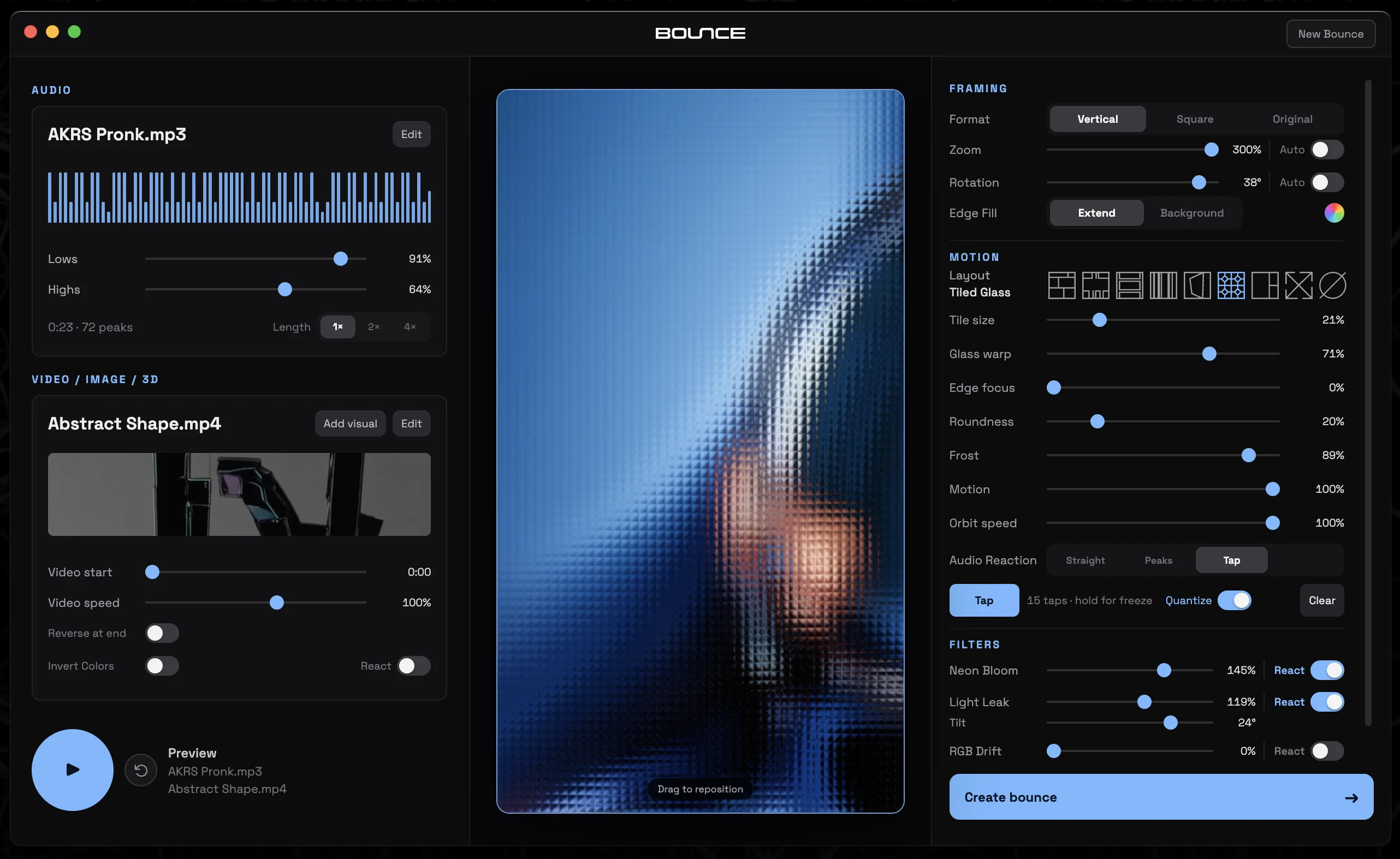
Start with your sound. Drop in your clean audio. Use the whole track or find a loop that hits just right.

Easily sync images and clips to your music to create audio-reactive videos for , , ,  Spotify Canvas, or anywhere you share.
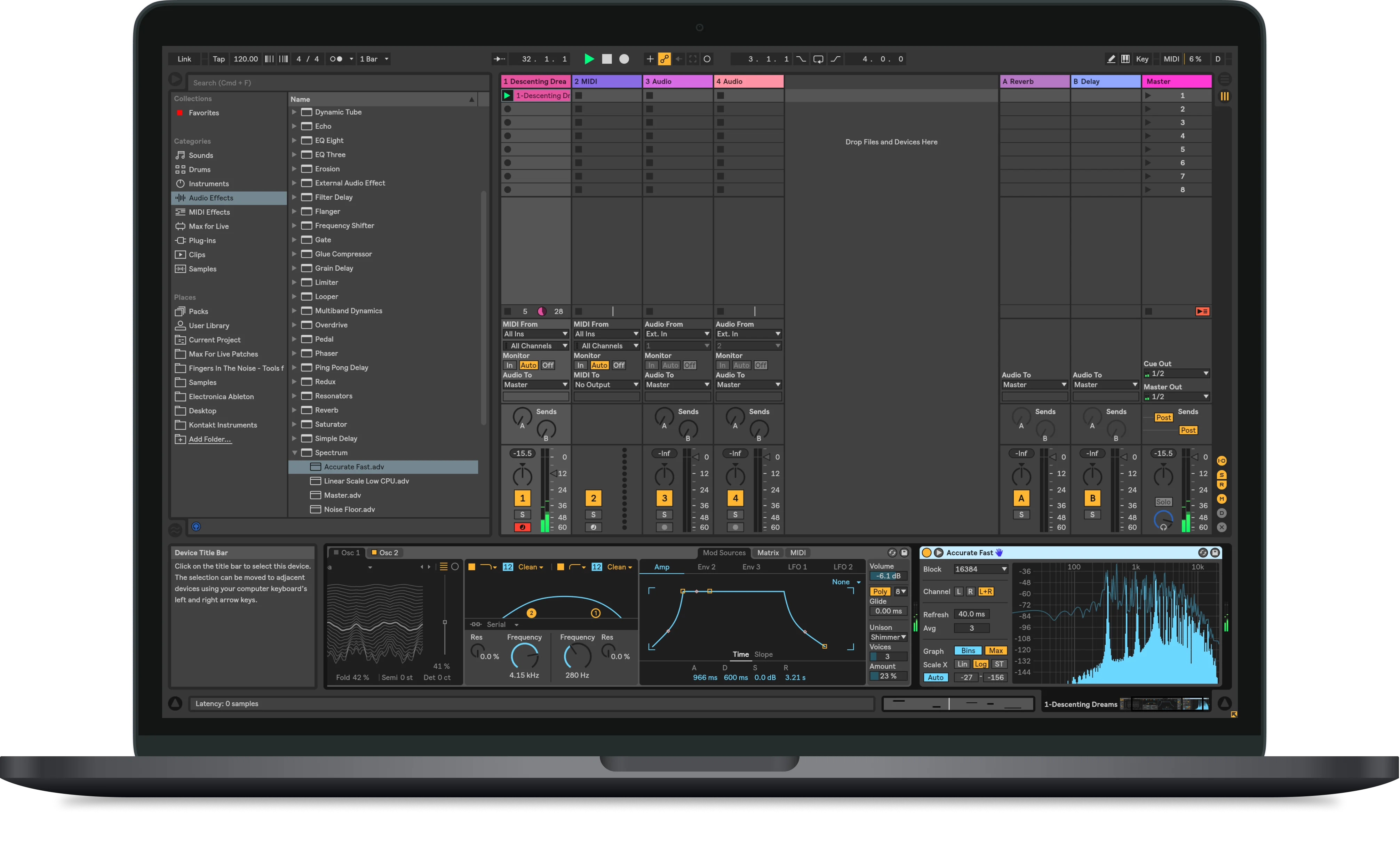

Examples above were made in Bounce. Muted for preview. Real bounces include your audio.
Start with your sound. Drop in your clean audio. Use the whole track or find a loop that hits just right.
Give it a look. Use your own clips and images. Add free visuals from Unsplash and Pexels directly from the app.
Edit to the beat. Choose a layout, sync visuals to the music, fine-tune it with filters, then export a video ready to share.
Make it move. Share it anywhere.
Download for MacBounce is a preview and isn’t yet notarized by Apple. macOS may block the first launch.
Managed Macs may require your IT administrator’s help.